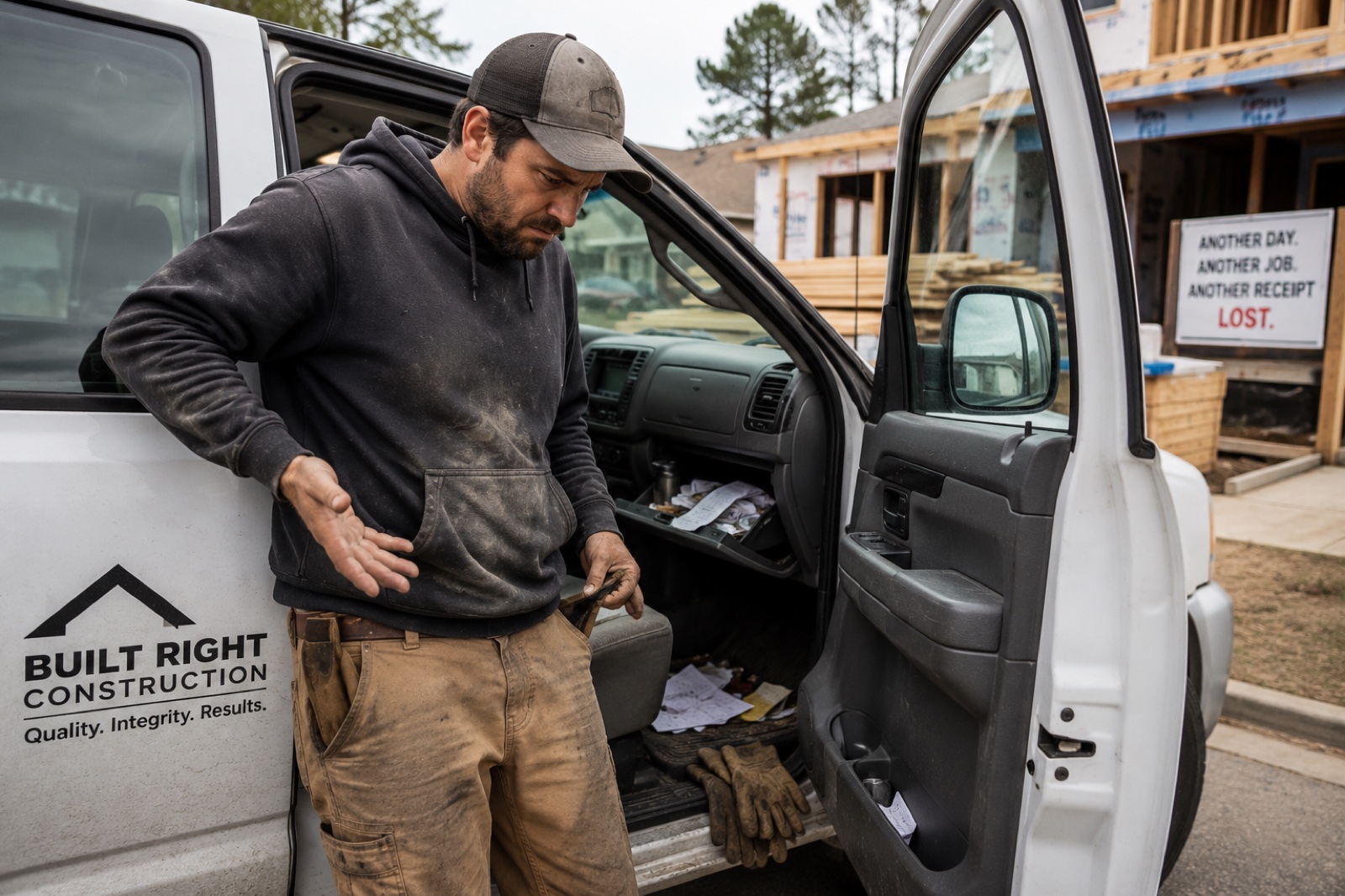
I Lost My Tool Receipts — Now What?
You need proof of purchase for an insurance claim, a tax deduction, or a warranty repair. And your receipts are gone. Here's how to recover what you can.
Let's start with the good news: you're not the first contractor to lose your receipts, and you won't be the last. Most contractors don't keep organized purchase records. The receipt goes in the bag, the bag goes in the truck, the truck gets cleaned out, and the receipt goes in the trash.
Now you need documentation — maybe your insurance company is asking for proof of ownership after a theft, maybe your accountant needs purchase records for depreciation, maybe your $800 laser level broke and Milwaukee wants proof of purchase for the warranty.
Whatever the reason, don't panic. There are more ways to recover purchase documentation than most people realize.
Step 1: Check your email
This is the easiest win and the one most people overlook. If you've ever bought tools online — from Amazon, Home Depot's website, Acme Tools, Ohio Power Tool, or anywhere else — there's an order confirmation sitting in your email.
Search your inbox for:
- The tool brand name ("Milwaukee," "DeWalt," "Makita")
- The retailer name ("Home Depot," "Lowe's," "Amazon")
- Terms like "order confirmation," "receipt," "your order"
- The specific tool name if you remember it
Go back as far as you need to. Email accounts store years of history. You might be surprised how many digital receipts are buried in there.
Also check your spam and trash folders. Promotional emails and order confirmations sometimes get filtered.
Step 2: Pull your credit card and bank statements
If you bought tools with a credit card or debit card, the transaction is in your statement history. Most banks and credit card companies let you search transactions online going back several years.
Here's what to look for:
- Transactions from hardware stores and tool retailers
- Transactions in the right dollar range for the tools you're trying to document
- Recurring purchases from the same retailers
A credit card statement won't give you the specific items purchased, but it proves you spent a certain amount at a specific store on a specific date. Combined with other evidence (like a serial number that matches a tool sold at that store), it can be enough for an insurance claim.
Pro tip: If you use a business credit card or a dedicated card for tool purchases, this is much easier. Everything is in one place. If you're not doing this yet, start — it makes future documentation dramatically simpler.
Step 3: Check your retailer accounts
Most major retailers keep purchase history tied to your account. If you have a Home Depot Pro account, a Lowe's for Pros account, or any similar loyalty or business account, your purchase history is probably sitting there waiting for you.
Log into your accounts and look for order history. Many retailers keep records for 3-5 years or more. You can often reprint receipts directly from these portals.
Even if you don't have an online account, you may have a loyalty card or phone number tied to purchases. Call the store's customer service line and ask. They can sometimes look up transactions by:
- Your phone number
- Your loyalty card number
- Your business account number
- Your credit card number (last four digits)
It's worth a phone call. The worst they can say is no.
Step 4: Check manufacturer warranty registrations
Did you register any of your tools for warranty coverage? Many contractors register their expensive tools — it takes 30 seconds and extends the warranty. If you did, the manufacturer has a record of the purchase date and your ownership.
Check your accounts at:
- Milwaukee Tool (One-Key account if you use it)
- DeWalt / Stanley Black & Decker
- Makita
- Bosch
- Hilti (they keep extremely detailed records)
- Any other brand you've registered products with
Even if you didn't register, some manufacturers can look up warranty information by serial number. Call their customer service line with the serial number in hand and ask what they can tell you about the tool's purchase history.
Step 5: Use serial numbers to establish provenance
Serial numbers are more useful than most people think. A serial number can often tell you:
- Manufacturing date — serial number formats often encode the year and month of production, which establishes a "not before" date for purchase
- Batch and distribution info — manufacturers can sometimes tell you which retailer received a particular serial number range
- Warranty start date — if the tool was activated or registered, the manufacturer has this on file
For insurance claims, a serial number combined with a credit card statement from the same time period creates a reasonable chain of evidence. You may not have the actual receipt, but you can show "I bought a tool at Home Depot for $450 on March 15, and I have a Milwaukee rotary hammer with a serial number from the same production run." That's usually enough.
Step 6: Check your photos
Scroll through your phone's photo library. Contractors take photos of job sites constantly, and tools often appear in the background. A photo showing a specific tool at a specific job site on a specific date is a form of documentation.
Also check for photos of:
- Your truck bed or van interior (tools often visible)
- Tool setups at job sites
- Photos you took specifically of tools (maybe for a Craigslist listing you never posted, or to show someone what you had)
The metadata on your phone's photos includes the date, which helps establish when you owned the tool.
Step 7: Ask your accountant
If you've been deducting tool purchases on your taxes, your accountant has records. They may have copies of receipts you submitted, or at minimum, they have the deduction amounts and categories that correspond to tool purchases. These records are typically kept for at least seven years.
When you truly have nothing
Sometimes, despite your best efforts, you can't recover documentation for certain tools. This is a tough spot, but it's not hopeless.
For insurance claims, most adjusters understand that contractors don't keep perfect records. They may accept:
- A sworn statement listing your tools and their approximate values
- Photos of the tools (even if undated)
- Testimony from employees or colleagues who can verify your ownership
- Serial numbers that you can recite or that are in your records elsewhere
The claim will be harder to process and you'll probably receive less than full replacement value, but a partial recovery beats nothing.
For tax purposes, talk to your accountant about what documentation the IRS requires and what alternative evidence they'll accept. The standard is "reasonable records," not perfection.
Now let's make sure this never happens again
You just spent hours digging through email, calling stores, and pulling bank statements to reconstruct records that should have taken seconds to find. Let's not do that again.
Going forward, the simplest thing you can do is photograph every tool with its receipt on the day you buy it. One photo of the tool, one photo of the receipt. Takes ten seconds.
Better yet, use a system that's designed for this. ToolTracked lets you snap a photo of a tool and its receipt, and the app captures the brand, model, serial number, and purchase details in one step. Everything is stored in the cloud, organized, and exportable for insurance claims or tax documentation whenever you need it.
The point isn't which system you use. The point is having one. Because the next time something gets stolen, burns up, or breaks down, you want to spend five minutes pulling a report — not five hours reconstructing your purchase history from digital breadcrumbs.
ToolTracked makes tool documentation simple — snap a photo, capture the details, and generate insurance-ready reports when you need them. Never lose a receipt again at tooltracked.com.